 Mikek Development
Patchwork Rangers
A plush shooter roguelite for Android

Light up the house before morning
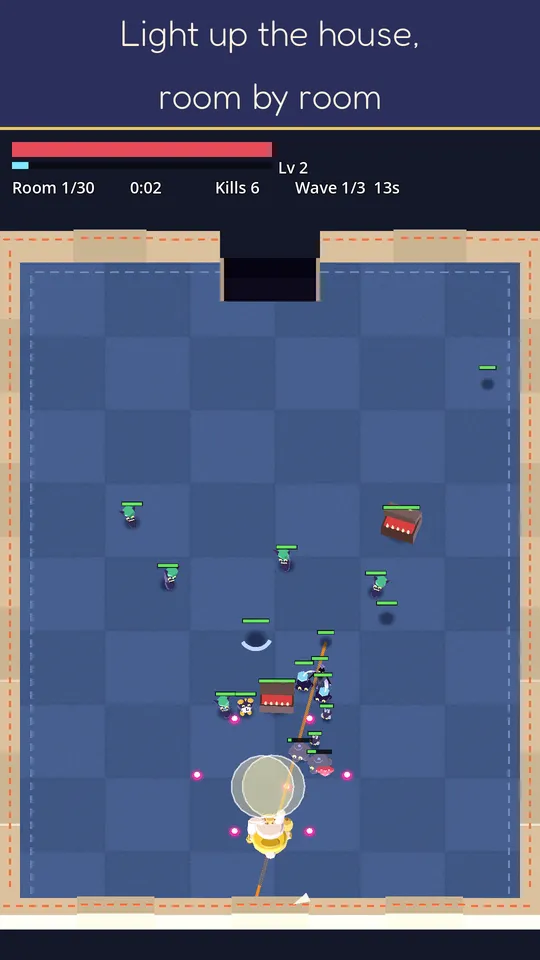
An auto-aim shooter roguelite you play with one thumb. Drag to move, stop to shoot: your plush ranger aims on its own. Every room you clear lights up a little more of a house full of night monsters called Bumps.
What you do
One thumb, nonstop action
- Drag to move, stop and your ranger aims and fires by itself
- Dodge glowing shots and clear every room
- Play upright with one hand, and pause any time
A new build every run
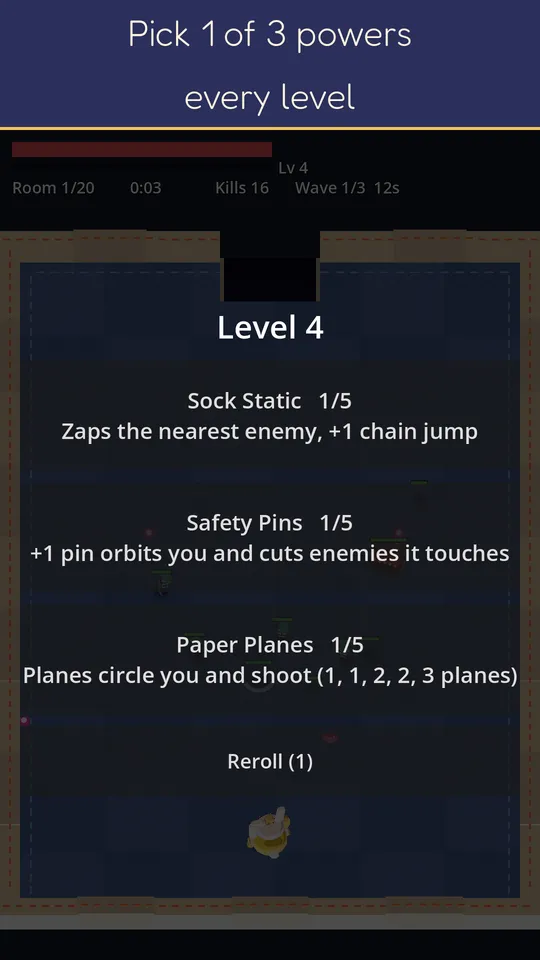
- Level up during a stage and choose 1 of 3 powers
- Paper Planes, Carpet Shock, Bouncy Bits, Hot Cocoa and more stack into your own build
- Powers reset each stage; your gear stays
Gear and heroes
- Four weapons that each shoot their own way: rapid shots, close-range pellets, piercing blasts, lobbed splashes
- Stitch three identical pieces of gear into a rarer one, then level it up
- Three plush heroes: Thimble, Bristle and Hoot
A house full of Bumps
- 20 stages, from the first dark hallway to the deepest wardrobe, then Restless Night with tougher enemies
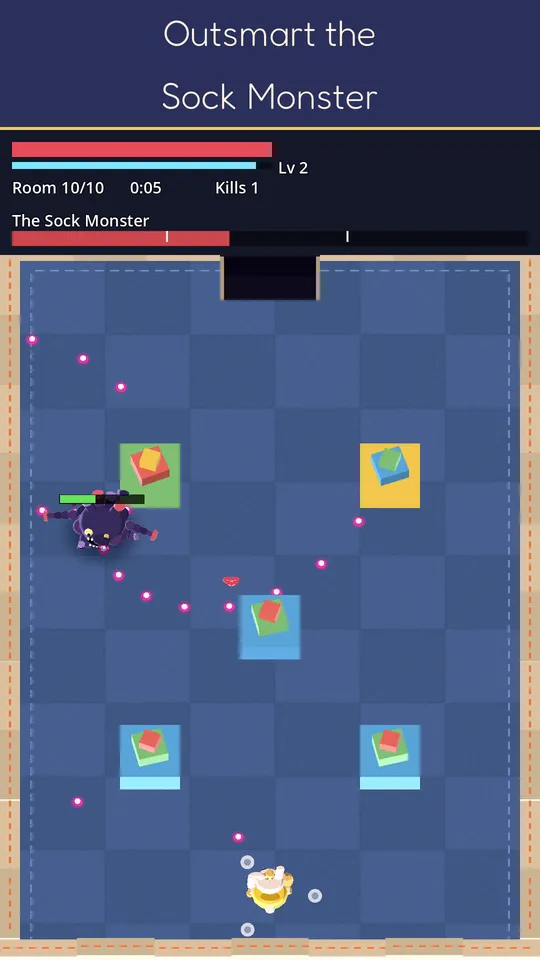
- Boss fights against the Sock Monster and the Wardrobe Shade
- Spooky but not gory: beaten Bumps pop into sparkles
Free to play. Ads only when you choose to watch one for a reward. Optional in-app purchases: Moonstone packs, bundles, the Stitch Pass and the Patchwork Club monthly subscription; every Moonstone pack, bundle and crate lists exactly what's inside. Requires a Google Play Games sign-in and an internet connection.
Support
Something not working, or a question about a purchase? Email kontakt@mikekdevelopment.pl. It helps to mention your phone model and the game version (shown at the top of Settings).
Is my progress saved online?
Yes. You sign in with Google Play Games, and your progress is kept on your phone and in a cloud save on our server (Google Firebase), so it comes back when you sign in on a new phone (Privacy Policy, section 13).
Why does the game need an internet connection?
The game starts only when it can reach its cloud save, which keeps your progress and purchases safe and checks them against cheating.
A purchase didn't arrive.
Some payments take a while to be confirmed. Open the game again once the payment shows as complete in Google Play. If the item still isn't there, email us with the order number and we'll sort it out. Refunds are handled by Google Play under its refund policies.
How do I change my ad consent?
In the game, open Settings → Privacy (the consent option appears where Google's consent form is required, for example in the EU). The Privacy Policy explains what the ads use.
How do I delete my account and data?
In the game: Settings → Privacy → Cloud save → Delete cloud data. If you can't open the game, follow the steps on Delete your account and data.
Legal
Privacy Policy · Terms of Use · Delete your account and data