 Mikek Development

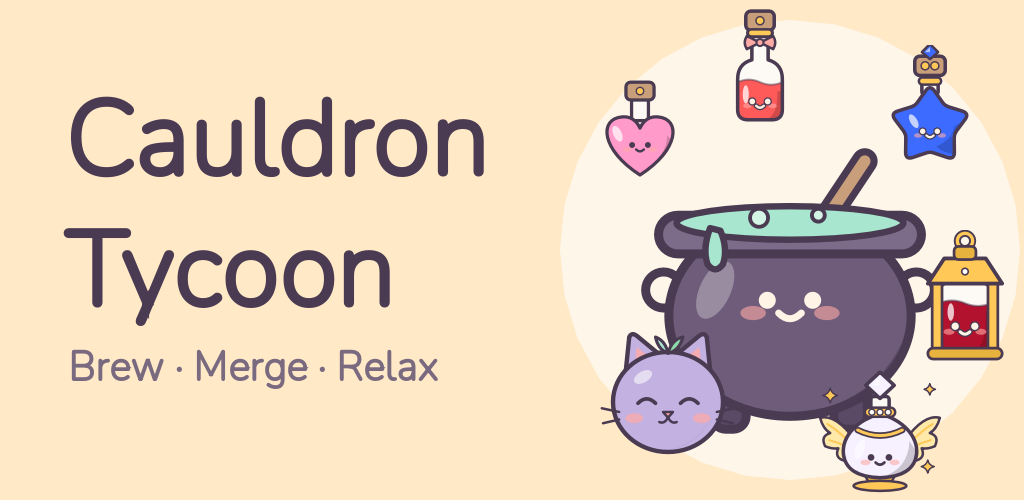
Cauldron Tycoon
A cozy idle merge game for Android
 Free · optional rewarded ads · optional in-app purchases · ages 16+
Your own little potion shop
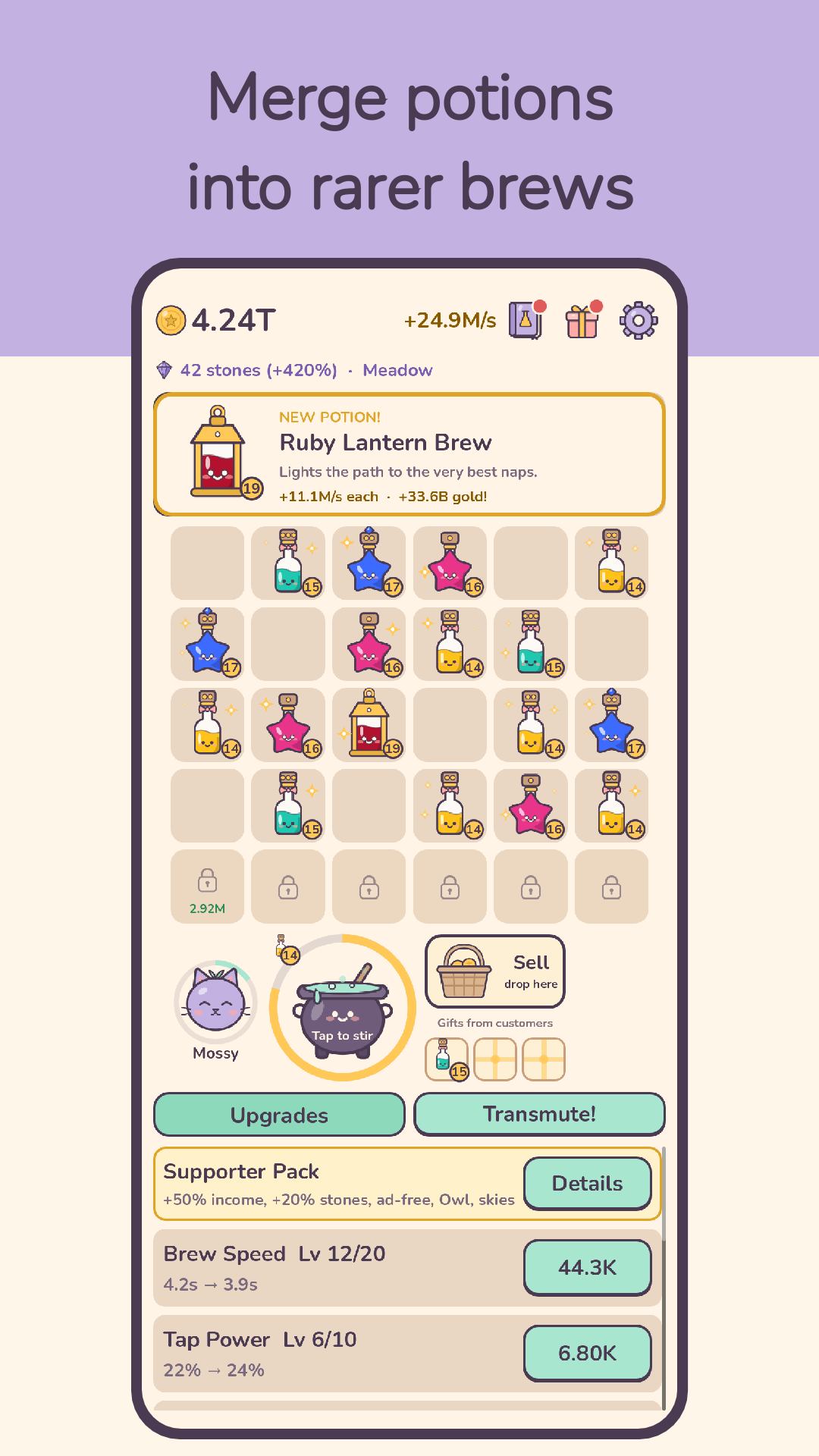
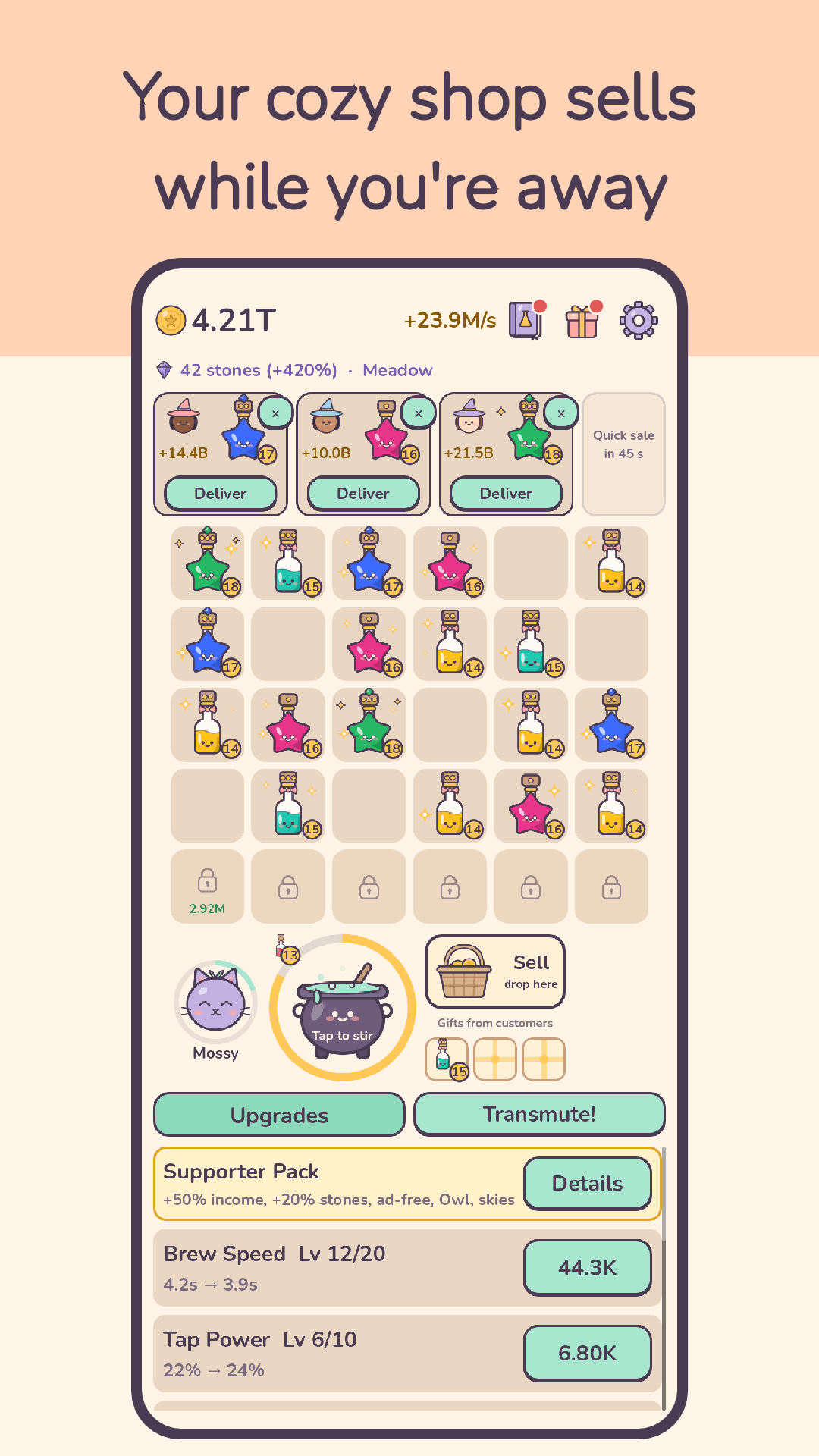
Brew potions in a bubbling cauldron, merge two of a kind into something rarer, and sell them to the witches and wizards who stop by. Your shop keeps earning while you're away, so every visit starts with a jar of coins.
What you do
Brew and merge
- Tap the cauldron to brew faster, then drag matching potions together
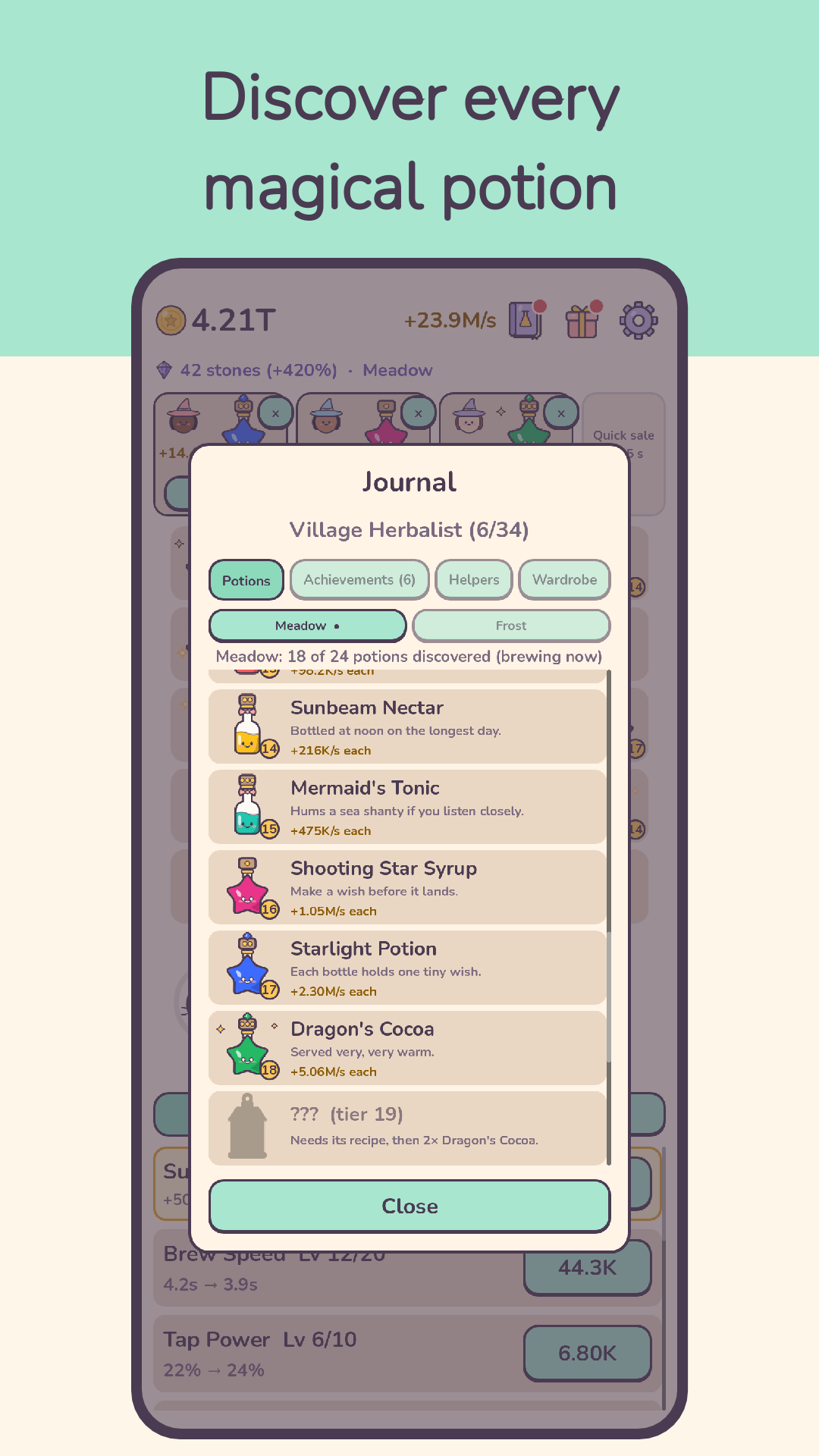
- Discover 27 magical potions in each of three lines (Meadow, Frost and Ember), from a humble Dewdrop to legendary brews
- Learn new recipes and fill your potion book; earn Achievements with milestone rewards
Run a cozy shop
- Customers bring orders for special potions and pay extra
- Mossy, your sleepy cat familiar, merges potions for you
- Grand Orders from royal visitors, and a Wardrobe of looks for your cauldron and Mossy, each with a small bonus
- The Shop Ledger: daily tasks, a weekly task and a stamp card with a parcel
- Upgrade your cauldron, shelf and marketing to earn more
Idle progress
- Your shop sells while you're away; come back to collect your gold
- Transmute your shop for Philosopher's Stones that boost every future run
- The Star Chart: a late-game layer that never resets
- A daily gift calendar that never resets if you miss a day
- Seasonal festivals through the year, such as Winter Lights and Spring Bloom, plus small events, with festival rewards
Play your way
- Short, relaxed sessions whenever you like
- Optional rewarded ads only: never forced, never interrupting
- Works offline
- Dark mode (Off, On or like the phone) and 8 languages: English, Polish, German, Spanish, French, Brazilian Portuguese, Traditional Chinese and Hindi
Free to play. Optional in-app purchases: the Supporter Pack (a one-time purchase with permanent bonuses and a shop helper), optional festival packs and the Starlit Pack (one-time purchases with cosmetic looks and potions), a daily Merchant's Basket, and the Cauldron Club, an optional monthly subscription (a daily satchel, a Club look each month that you keep, an extra Ledger task and +25% income while you are a member; cancel anytime in Google Play).
Support
Something not working, or a question about a purchase? Email kontakt@mikekdevelopment.pl. It helps to mention your phone model and the game version (shown at the top of Settings).
Is my progress saved online?
No. The game has no accounts of its own, and your progress is saved on your phone. To move it to another phone, open Settings, tap "Move to another phone" and use the save code. The code only loads for the same Google Play Games account, and both phones need the same game version. If Android backup is on, Android may also restore it on a new phone. Uninstalling the game or clearing its data deletes your progress.
I reinstalled the game. Where is my Supporter Pack?
It comes back by itself when you open the game with the same Google account and an internet connection. If it doesn't, email us with the Google Play order number (it starts with "GPA.", and you can find it in your Google Play order history).
A purchase didn't arrive.
Some payments take a while to be confirmed. Open the game again once the payment shows as complete in Google Play. If the item still isn't there, email us with the order number and we'll sort it out. Refunds are handled by Google Play under its refund policies.
How do I cancel the Cauldron Club?
In Google Play, open Payments & subscriptions, then Subscriptions, choose Cauldron Tycoon and cancel. Your Club benefits last until the end of the period you have already paid for. Club looks you claimed stay yours.
How do I change my ad consent?
In the game, open Settings and tap "Privacy & ads consent" (shown where consent is required, for example in the EU). The Privacy Policy explains what the ads use.
How do I delete my data?
Uninstall the game or clear its data in Android's settings to remove what is on your phone. We only hold anonymous play statistics (if you allowed them) and emails you sent us; write to us to have them deleted (sections 3, 4 and 10 of the Privacy Policy). Data held by Google services is covered in section 5.